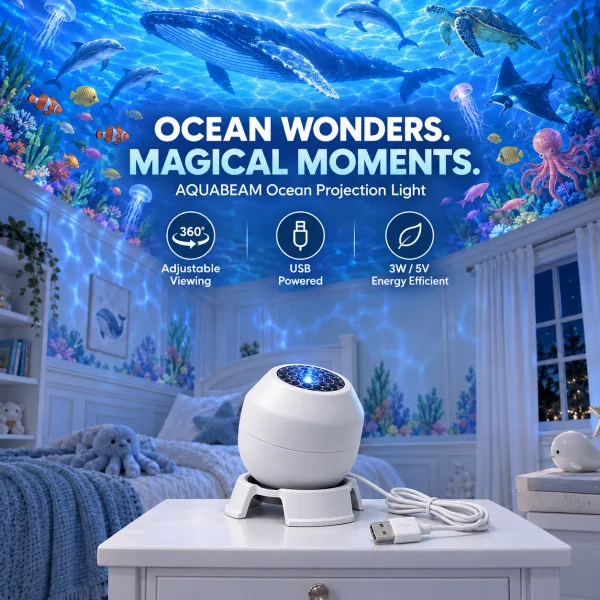
An ocean projector throws moving, water-like light and sea-creature shapes onto your walls and ceiling. A few minutes of setup makes the difference between a faint blur and a room that feels underwater.
Pick the right spot
- Dark is better. Projectors like the AquaBeam Ocean Light are low-power lights, so they look best in a dim or dark room. Close the curtains and switch off other lamps.
- Use a plain, light surface. A white or pale ceiling or wall shows the colors best. Patterned wallpaper and dark paint swallow the image.
- Distance changes the picture. Farther from the wall, the image is larger and softer. Closer, it is smaller, brighter and sharper. Move the light until you like the balance.
Aim it
Face the light towards the ceiling above a bed, or the wall behind a desk or TV, for background mood lighting. Angling the light slightly, instead of straight on, stretches the image across more of the room.
Power
The light runs from a 5V USB port, so a phone charger, a laptop or a power bank will all work. A power bank is handy when the best spot is not near an outlet. Unplug it when you leave the room for a long time.
In a child’s room
- Place the light on a shelf or dresser out of a small child’s reach.
- Route the cable behind furniture so it cannot be pulled or tripped over.
- Use it indoors only and keep it away from water. It shows the ocean but is not waterproof.
If the image looks faint or blurry
- Make the room darker, or move the light closer to the surface.
- Try a different USB charger or port if the light seems dim.